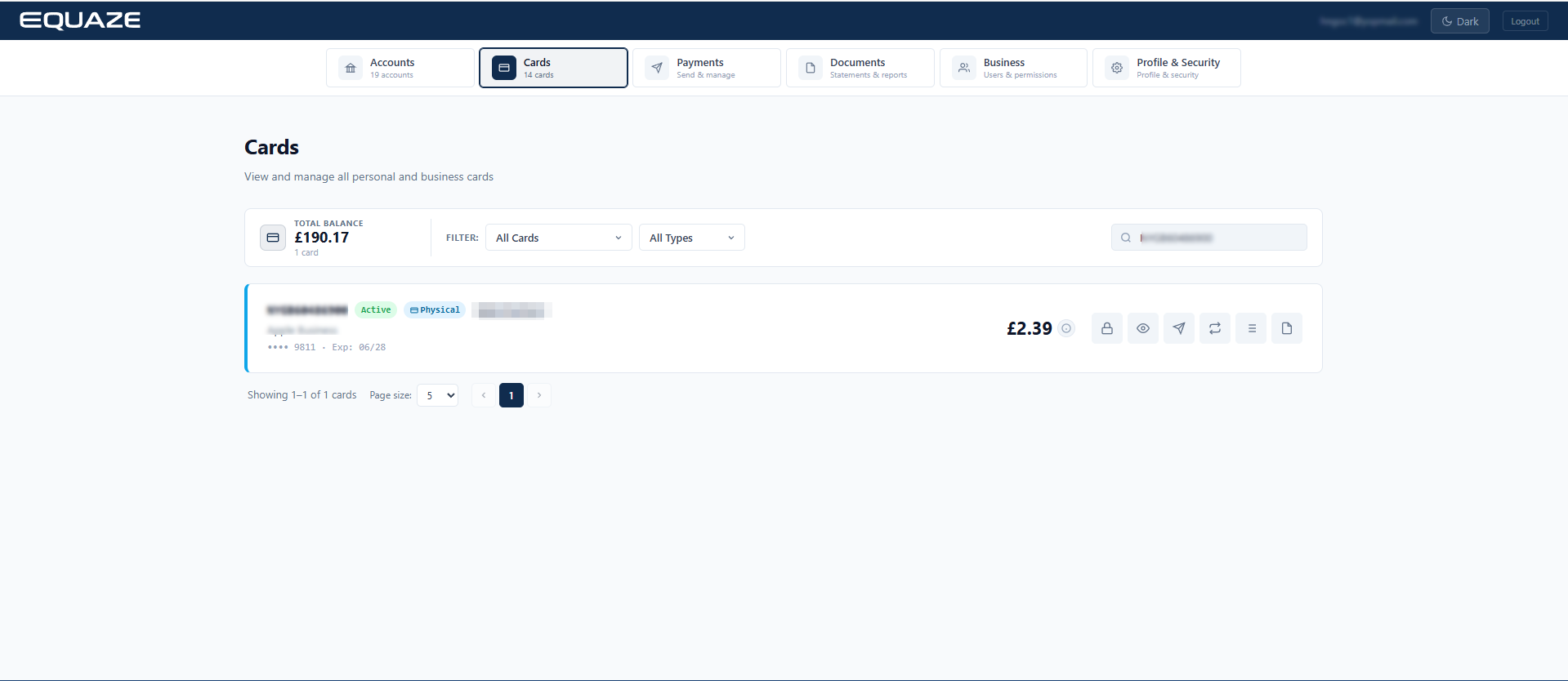
Select Account
Step 1: On the Cards Dashboard screen, search for the card to be activated. The system will display the card with a Pending Activation status.

Step 2: Click on “Activate Card” button
When you click the button, a text box for the “CVV” will pop up, ready for your input.
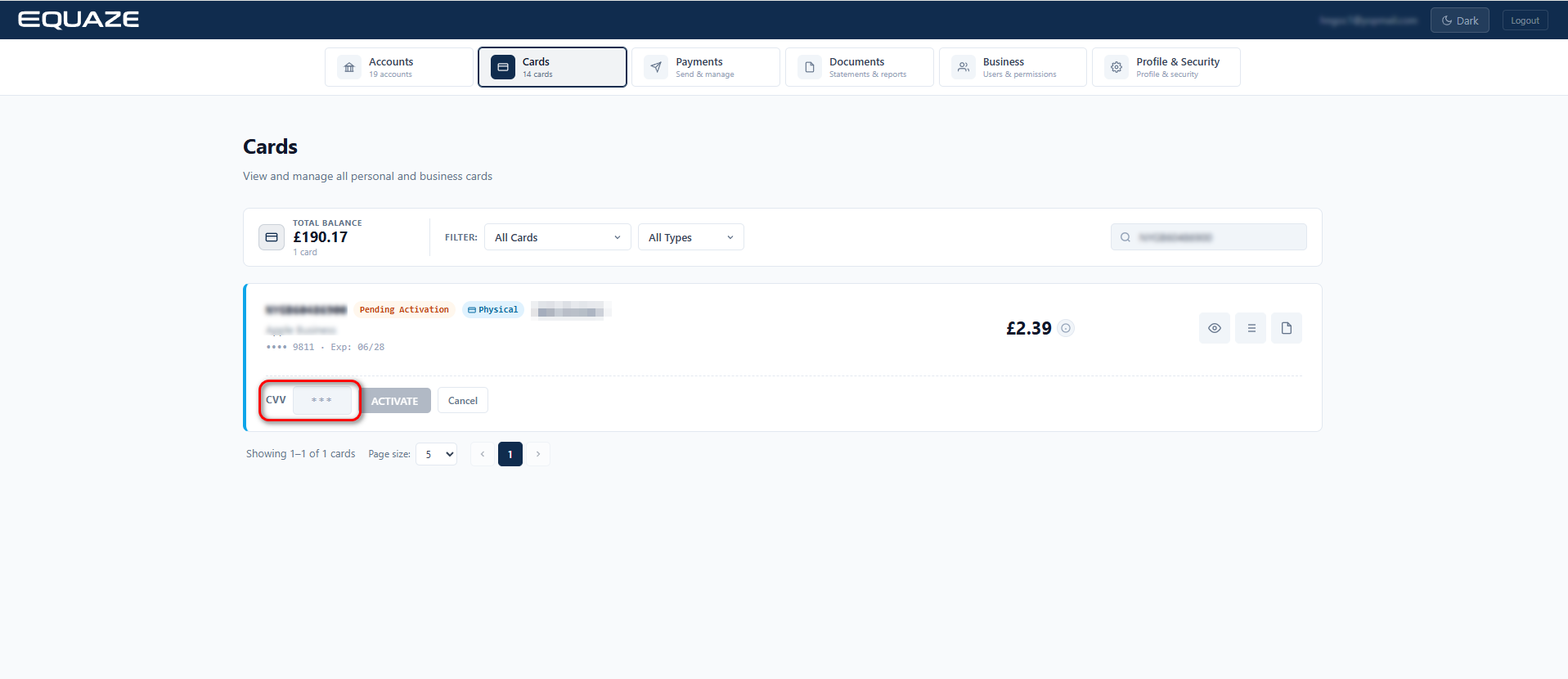
Input your CVV
- Enter your CVV and click the “ACTIVATE” button.
- Wait for a few seconds while the system is activating your card.
Confirmation of successful Activation
- If the CVV is entered correctly, you will receive a notification confirming the successful operation.
- “Pending Activation” text and “Activate Card” button will disappear from your account.