Skip to main content Skip to footer
Equaze Help Documentation

Login & Registration

  • Registering
  • Logging in
  • Password Reset

Account Payments

  • Direct Debit
  • Creating a Beneficiary
  • Bulk Creating Beneficiaries
  • Adding Beneficiary Address
  • Viewing Beneficiary Details
  • Editing a Beneficiary
  • Authorising Beneficiary Creation and Updates
  • Deleting a Beneficiary
  • Making a Single Payment
  • Making Bulk Payments
  • Authorising a Payment

Cards

  • Check PIN Code
  • Activate a card account

Transfers

  • Transfer Between Current Accounts in Same Currency
  • Transfer from Current Account to Card
  • Authorising a Transfer

Statements

  • Download Transaction Data Excel
  • Download Billing Statement
  • Download Monthly Statement

User Management

  • Manage User Permissions

Profile Management

  • Change Number for SMS
  • Change Password
View Categories
  • Home
  • Guide
  • User Guide
  • Cards
  • Check PIN Code

Check PIN Code

< 1 min read

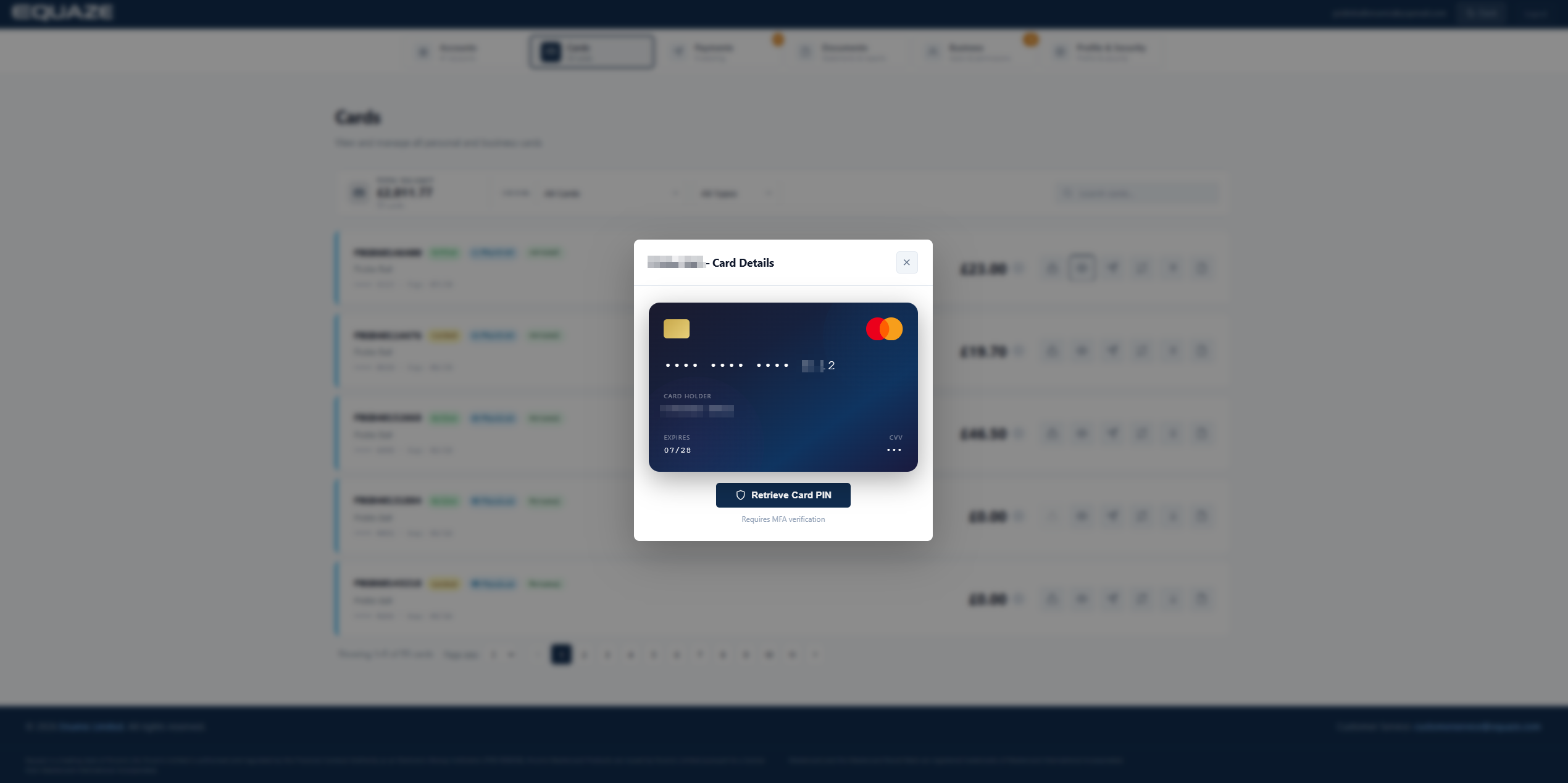
From the Manage dropdown menu, select the Card PIN Service option

On the Card PIN Services screen

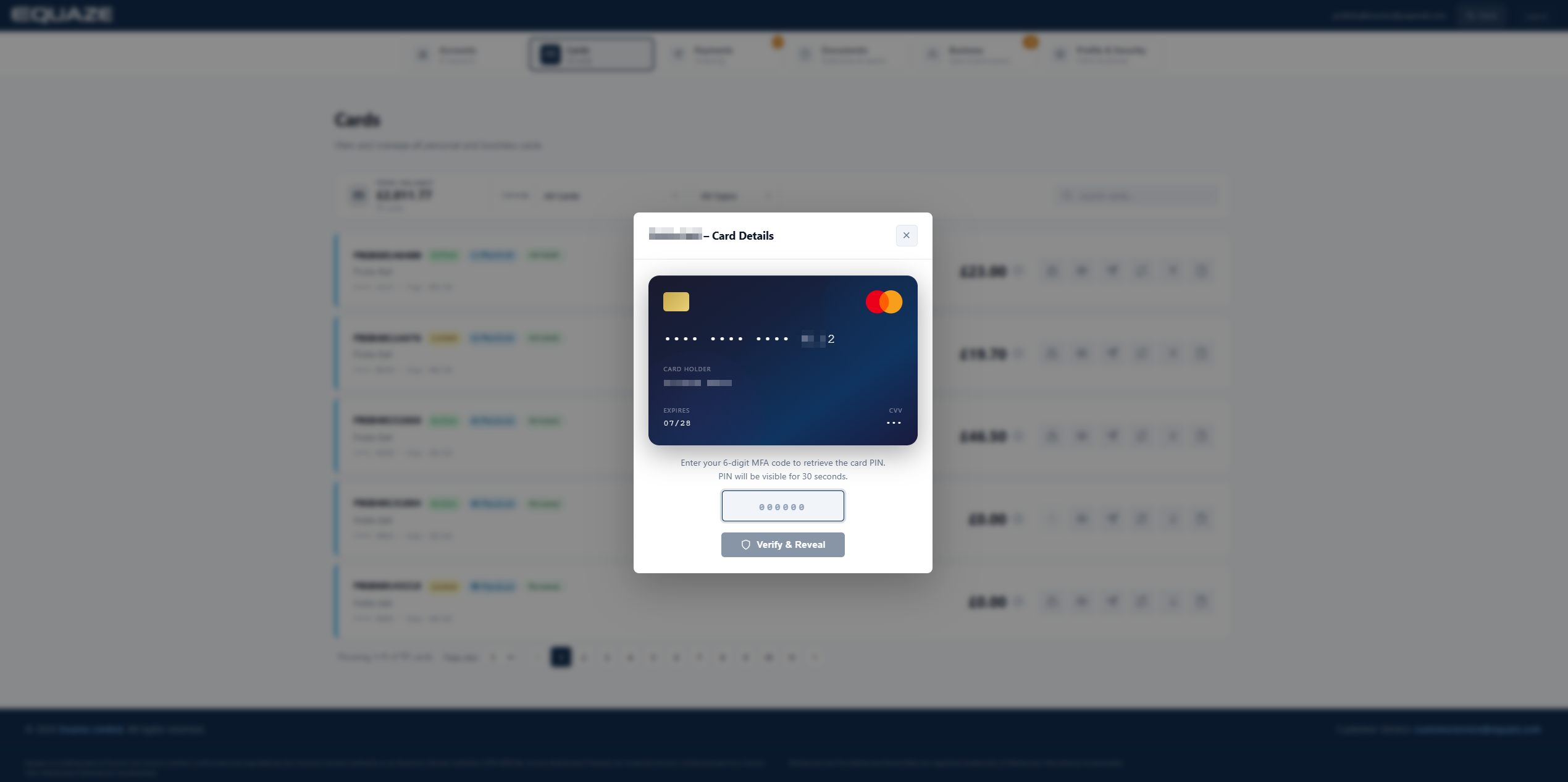
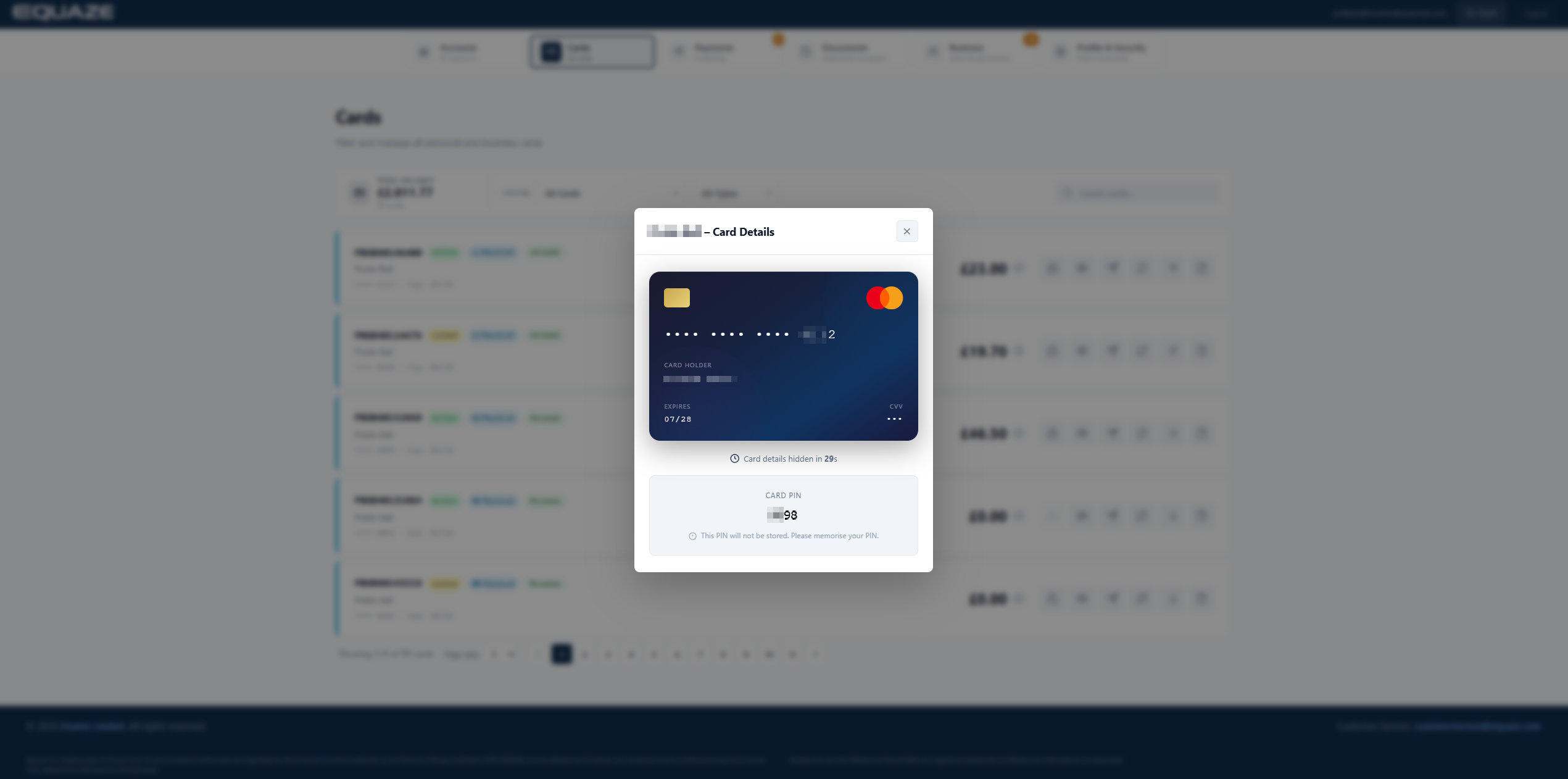
Pick the card you wish to check from the Select Account menu, enter your MFA code, and click Submit.

What are your Feelings

Share This Article :

  • Facebook
  • X
  • LinkedIn
  • Pinterest
Activate a card account
"Equaze" is a trading style of Enumis Ltd. Enumis Limited is authorised and regulated by the Financial Conduct Authority as an Electronic Money Institution (FRN 900028) and authorised and regulated by the Financial Conduct Authority for Consumer Credit (FRN 724110) Company Registration E&W 7441513. Enumis Mastercard Products are issued by Enumis Limited pursuant to a license from Mastercard International Incorporated. Mastercard and the Mastercard Brand Mark are registered trademarks of Mastercard International Incorporated.
Equaze Help Documentation
© Copyright Equaze